Not Turning On
Expert chip-level repair for MacBooks that won’t power on — from diagnostics to complete logic board restoration. Get your device back to life quickly and reliably.
MacBook black screen? No chime, no lights? Don’t panic — we’ve seen it all. Our Apple-specialized technicians are like detectives for your Mac — using advanced chip-level diagnostics and board-level magic to solve even the most stubborn ‘not turning on’ mysteries.
Whether it’s a moody power circuit, a shy IC chip, liquid damage, or some mystery fault that refuses to introduce itself, we track it down and fix it right.
From tiny component swaps to full motherboard overhauls, every repair is done with precision and premium-grade parts. And of course, your data stays safe — we’re here to fix your Mac, not read your emails. With quick turnaround, fair pricing, and a warranty of up to 90 days, we’ll get your MacBook back on its feet (or… hinges) — running better than ever.
Common Motherboard Issues We Repair
The most common (and frustrating) motherboard problems we solve daily.
No Power / Dead Mac
MacBook, iMac, or Mac mini won’t turn on at all.
No Display / Distorted Graphics
Screen stays black or shows strange lines and colors.
Charging Issues
Battery not charging or MagSafe/USB-C port not working.
Overheating
Fans running loud or device shutting down due to high temperature.
Random Restarts / Freezing
Sudden shutdowns or system freezes during use.
Keyboard / Trackpad / USB Ports Not Working
Input devices and ports unresponsive.
Liquid Damage After-Effects
Corrosion or short-circuits causing intermittent issues.
Audio or Camera Failures
Sound or webcam not functioning due to board faults.
What You Can Expect
Free Diagnostic Check
We examine every component before any repair charges.
Component-Level Repair
Fixing the problem without replacing entire boards unnecessarily.
Fast Turnaround
Turnaround depends on the fault and parts — you get a realistic window after diagnosis.
Warranty on Repairs
Typically 90 days for parts and labor.
Unlike Apple’s fixed-price full replacements, we repair only the damaged components, saving you money while keeping your original hardware intact.
Can you diagnose it while I wait?
This is not possible in every case. Some faults are tricky, and one symptom can have many different causes. If your device has had a liquid spill, you will most likely have to leave it for a few hours to a day – it’s not always possible to give you a precise repair price while you wait.
In most cases, if you’re happy to wait, we’ll open the machine and tell you what’s wrong right then and there. Our shop isn’t run on the idea that your machine gets tossed into a queue and looked at when we feel like it. When we get work, we get to it right away.
MacBook not turning on? Board-level repair for Apple Silicon and Intel
Every MacBook from M1 to the latest M-series chip has the processor, memory and storage on one logic board. When an Apple Silicon Mac won't turn on, the fix is rarely "replace the board" — usually one failed component on a power rail is holding the whole machine down. We trace it to that component and repair it, on MacBook Air and MacBook Pro, Apple Silicon and Intel alike. Before bringing it in, you can try Apple's SMC reset steps on Intel models.
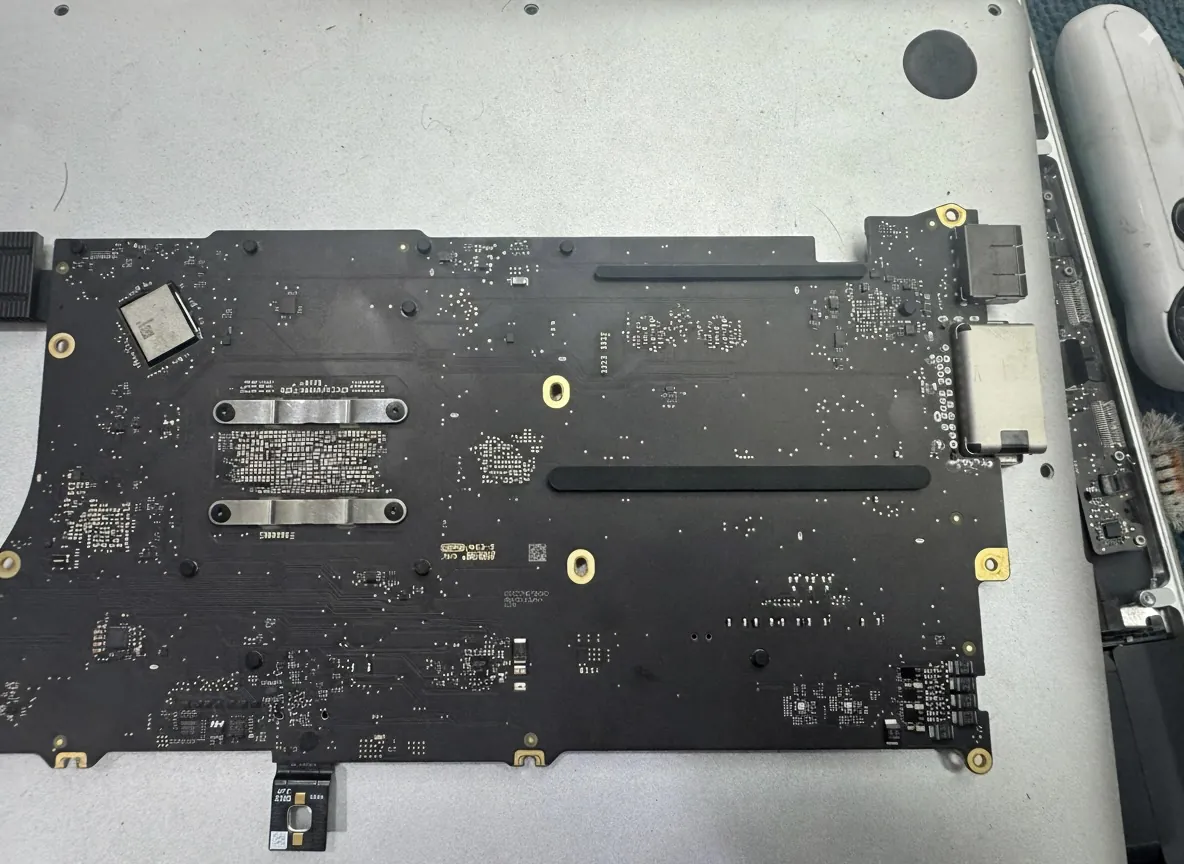
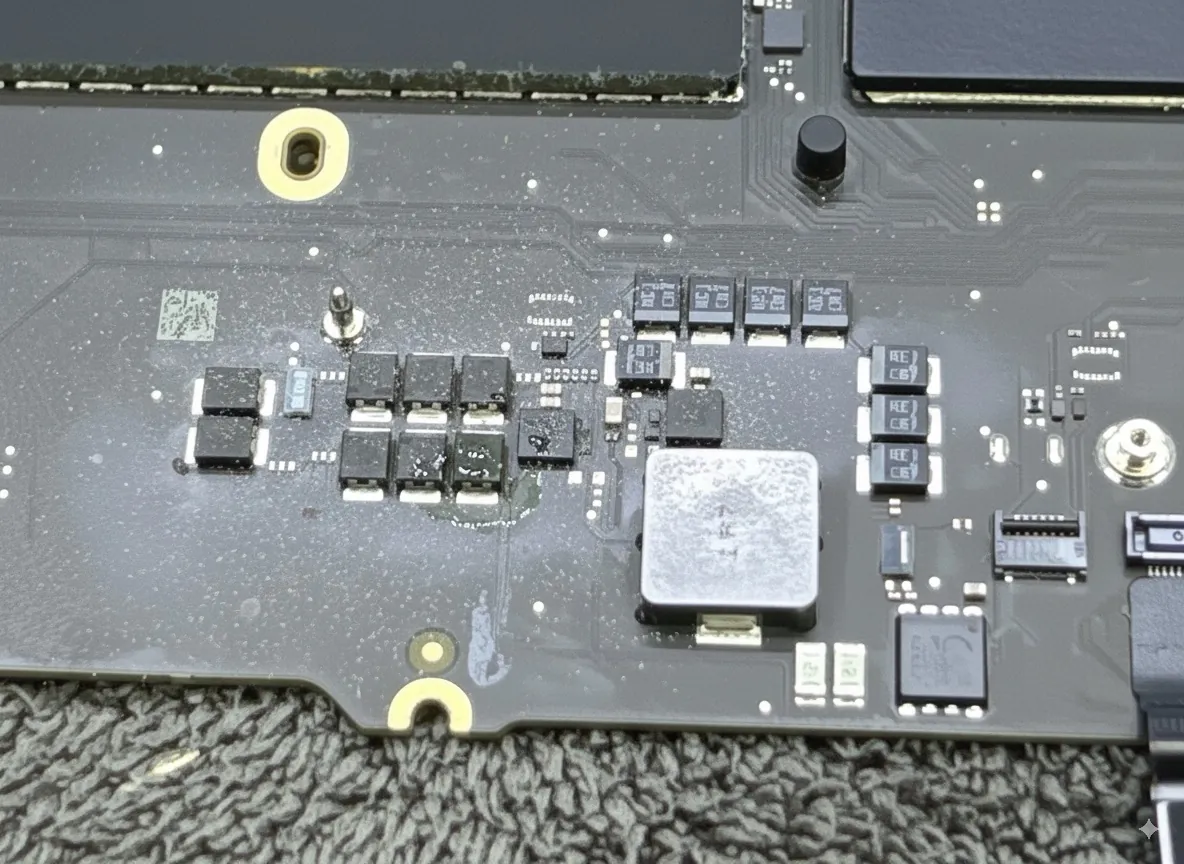
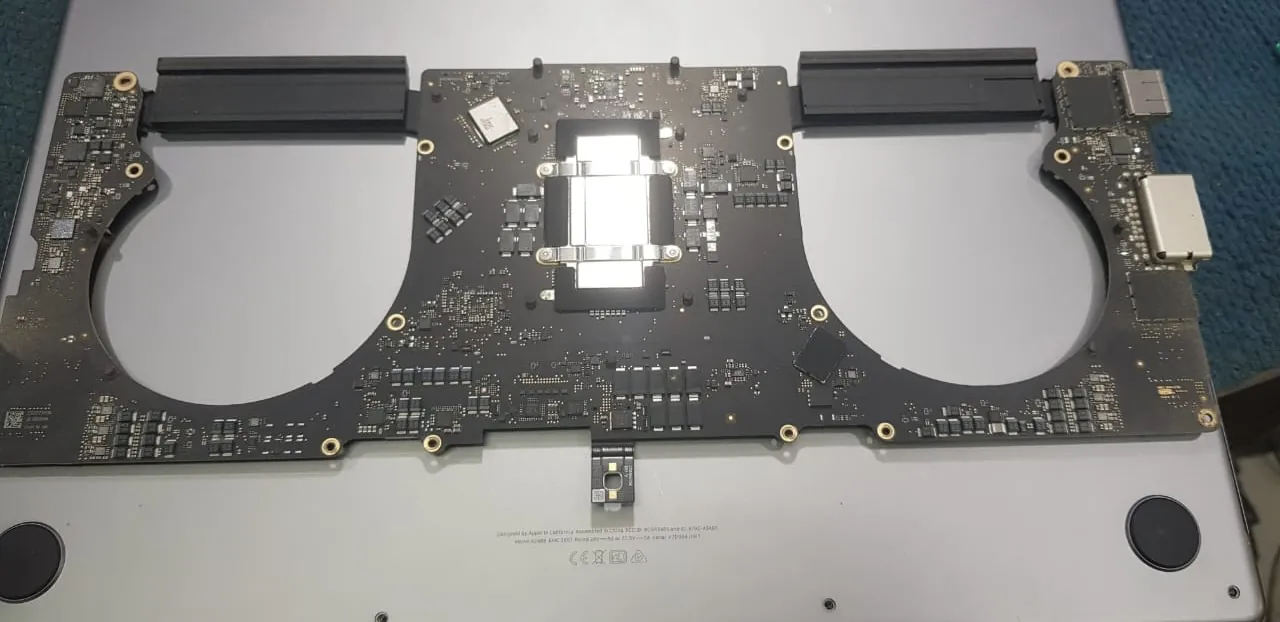
Thermal camera short-circuit detection
A shorted capacitor or chip gets warm the moment power is applied. With our thermal camera we see the hot spot directly on the board — on the main power rails, around the charging circuit, or near the SSD storage chips — instead of guessing and removing parts. That means faster diagnosis, fewer parts disturbed and a safer repair for your data.
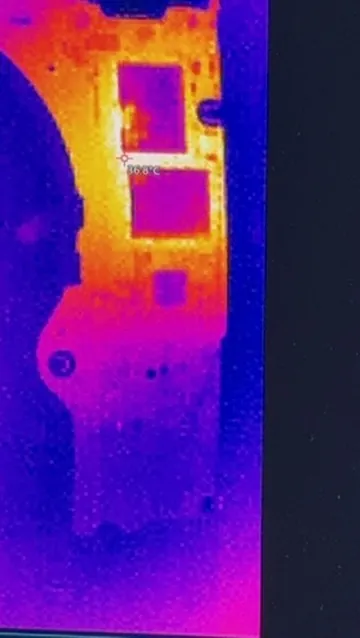
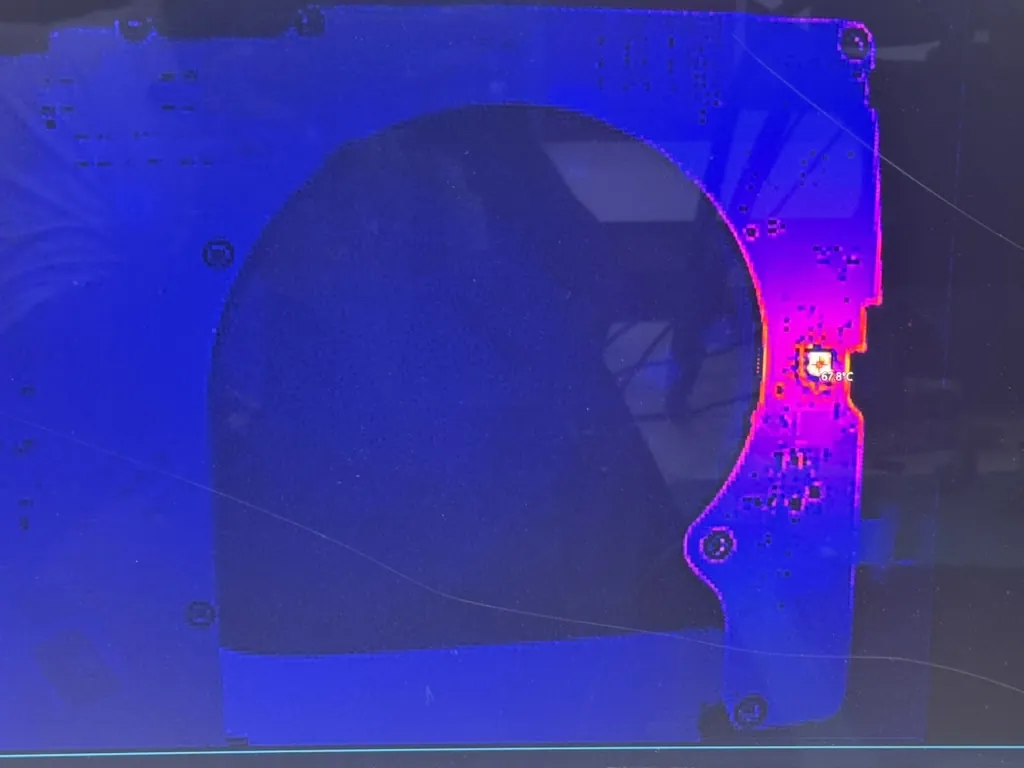
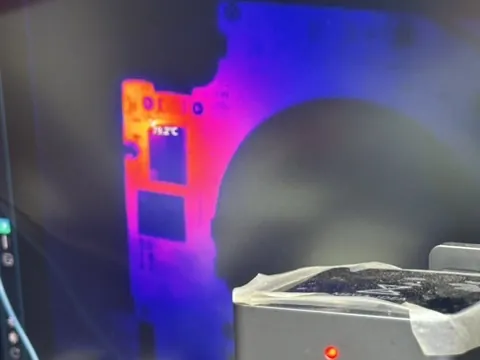
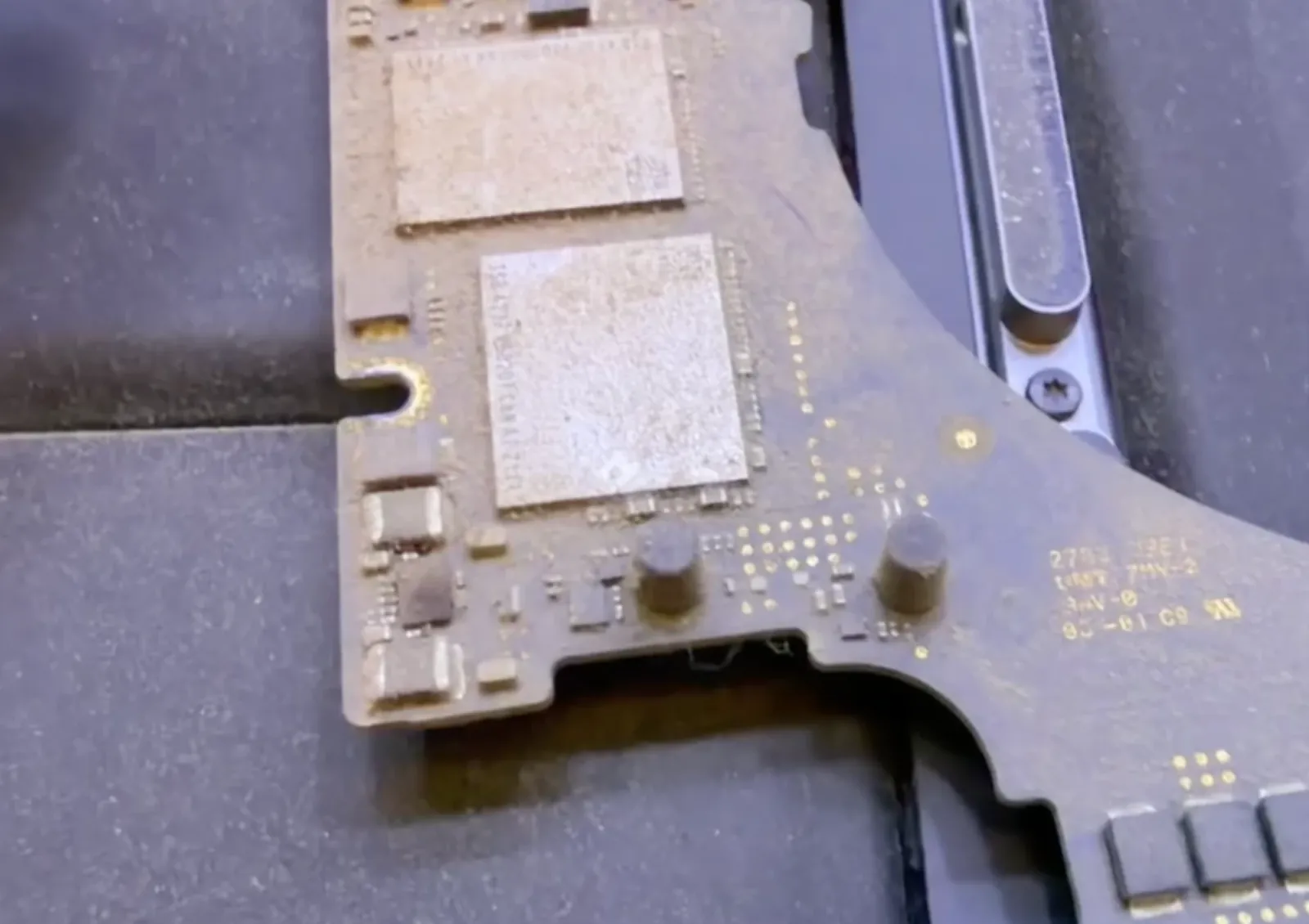
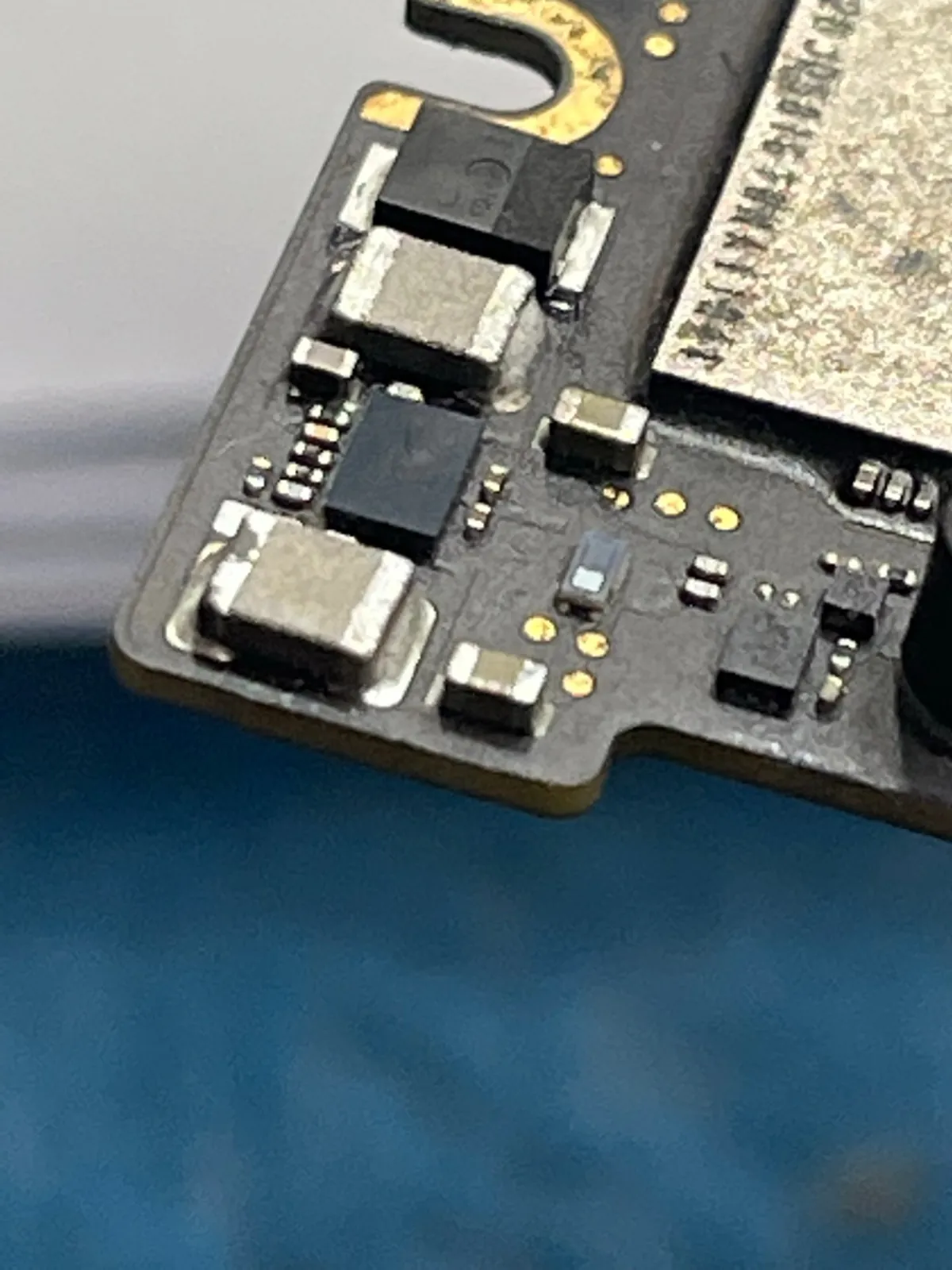
Short circuits near the storage power circuit happen on some boards, not all. When they do, repairing the circuit rather than the storage chips is often what gets your files back.
Not turning on — FAQ
MacBook not turning on — is it the logic board?
It could be the battery, the charging port, the power-management chip or the logic board — on Apple Silicon or Intel. We diagnose it free before any repair.
Can you save my data if the Mac won't power on?
On Apple Silicon and T2 Macs the storage is soldered to the board and encrypted, so the board usually has to work again for the data to be read. That's why we repair the board at component level instead of swapping it.
Do I pay for the diagnosis?
No. The checkup is free and nothing is repaired until you approve the estimate.
My MacBook will not turn on after the battery drained. What can I try first?
Charge it for 10 to 15 minutes with a known-good charger and cable, then press the power button. Unplug accessories and hold the power button for about 10 seconds before trying again. If there is still no sign of life, bring it in for a free diagnosis. Our guide covers the safe checks: MacBook not turning on or charging, what to check first.
My MacBook is plugged in but not charging. Is it the charger or the board?
Try another cable, adapter and socket, and clean visible lint from the charging port. If a second charger gives the same result, the charging port, the battery or the charging circuit on the logic board needs checking.