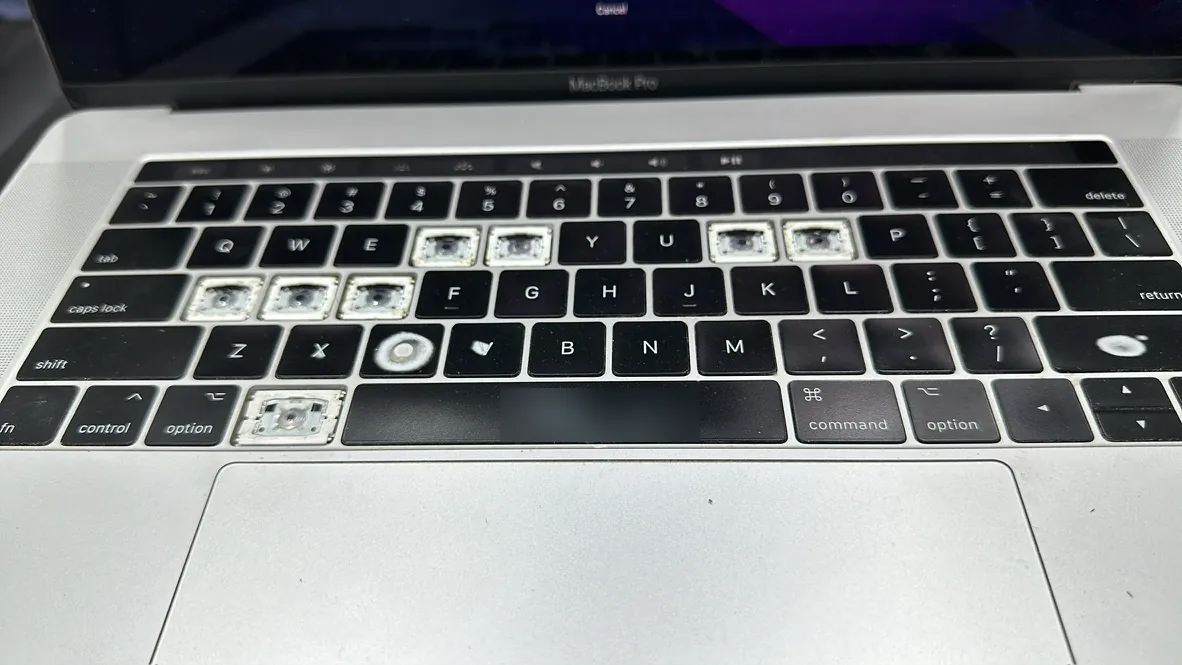
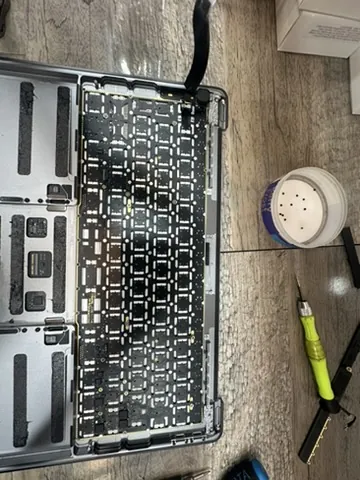
Liquid Damage
We’ll look at your Mac the moment you bring it in, and in many cases we can tell you the cost and time frame of repair while you wait. There is no diagnostic fee to look at your MacBook! If you have an issue like liquid damage, you will most likely have to leave it with us, as these issues are too complex for an instant estimate.
If your MacBook or iPad has suffered a liquid spill — whether it’s water, coffee, juice, or any other fluid — it’s critical to act quickly. The moment liquid enters your device, it begins to corrode internal components, potentially leading to permanent damage if left untreated.
At macos.pk, we specialize in Apple liquid damage recovery using a combination of advanced diagnostic tools, ultrasonic cleaning systems, and precision micro-soldering techniques. Unlike most service centers that opt for costly full board replacements, we focus on component-level repairs — carefully identifying and restoring only the affected parts. This approach not only preserves your device’s original hardware but also significantly reduces repair costs.
With years of experience, a dedicated specialist team, and industry-grade equipment, we deliver fast, reliable, and secure repair solutions while prioritizing the safety of your data. Whether you bring your device in immediately after the spill or days later, our goal is to maximize the chances of a full recovery and get you back to work without unnecessary expenses or delays.
What You Can Expect
Free Diagnostic Check
We examine every component before any repair charges.
Component-Level Repair
Fixing the problem without replacing entire boards unnecessarily.
Fast Turnaround
Turnaround depends on the fault and parts — you get a realistic window after diagnosis.
Warranty on Repairs
Typically 90 days for parts and labor.
Data Protection First
Your information remains safe and private.
Unlike Apple’s fixed-price full replacements, we repair only the damaged components, saving you money while keeping your original hardware intact.
Our Step-by-Step Repair Process
Immediate Device Shutdown
We recommend turning off your device and disconnecting power immediately after a spill.
Detailed Inspection
Disassembly and full internal inspection using microscopes and diagnostic tools.
Ultrasonic Cleaning & Micro-Soldering
Removal of corrosion and repair of damaged components.
Reassembly & Full Testing
Ensuring your device passes all functionality tests before returning it.
Final Handover or Delivery
You can pick up your device in person or have it shipped back safely.
Post-Repair Follow-Up & Preventive Care
We provide a complimentary follow-up check, essential software/firmware updates, and personalised after-care tips to ensure long-term reliability and reduce the risk of future problems.
Common Liquid Damage Symptoms We Repair
MacBook not powering on
Keyboard or trackpad unresponsive
Screen flickering or showing no display
Battery not charging
Overheating or short circuit smell
Random system crashes after a spill
Why Choose Us Over Apple & Other Shops
Expert Repairs, Faster Service, and Better Value
Lower Cost
Repairing components usually costs less than replacing the whole logic board.
Specialized in Apple Devices
We only work on MacBooks, iMacs, Mac minis and iPads — nothing else.
Faster Turnaround
Same-day or next-day service for many repairs.
No-Fix, No-Fee Policy
If we can’t fix it, you don’t pay.
Quality Parts & Professional Tools
Ensuring the highest repair standards.
Professional Teamwork
Our specialist technicians work together, combining their expertise to deliver higher repair success rates and top-quality results.
Customer Tips for Liquid Damage
Do not turn the device back on to “check if it works.”
Do not put it in rice — it does nothing for internal corrosion.
Bring it in as soon as possible for the highest chance of recovery.
FAQs
Can you recover my data if the device can’t be repaired?
Yes, in many cases we can recover your files even if the device itself is beyond repair.
How long will the repair take?
It depends on the severity and parts availability — we give you a realistic timeframe after inspection.
Is liquid damage covered by Apple’s warranty?
No. Apple considers liquid damage “accidental damage” and does not cover it under warranty.
Will my MacBook look the same after repair?
Yes — all repairs are internal and do not affect the outer appearance of your device.
Do you use original Apple parts?
We use quality compatible / OEM-grade parts, depending on availability and your preference.
Can you diagnose it while I wait?
This is not possible in every case. Some faults are tricky, and one symptom can have many different causes. If your device has had a liquid spill, you will most likely have to leave it for a few hours to a day – it’s not always possible to give you a precise repair price while you wait.
In most cases, if you’re happy to wait, we’ll open the machine and tell you what’s wrong right then and there. Our shop isn’t run on the idea that your machine gets tossed into a queue and looked at when we feel like it. When we get work, we get to it right away.
MacBook liquid damage repair on Apple Silicon and Intel
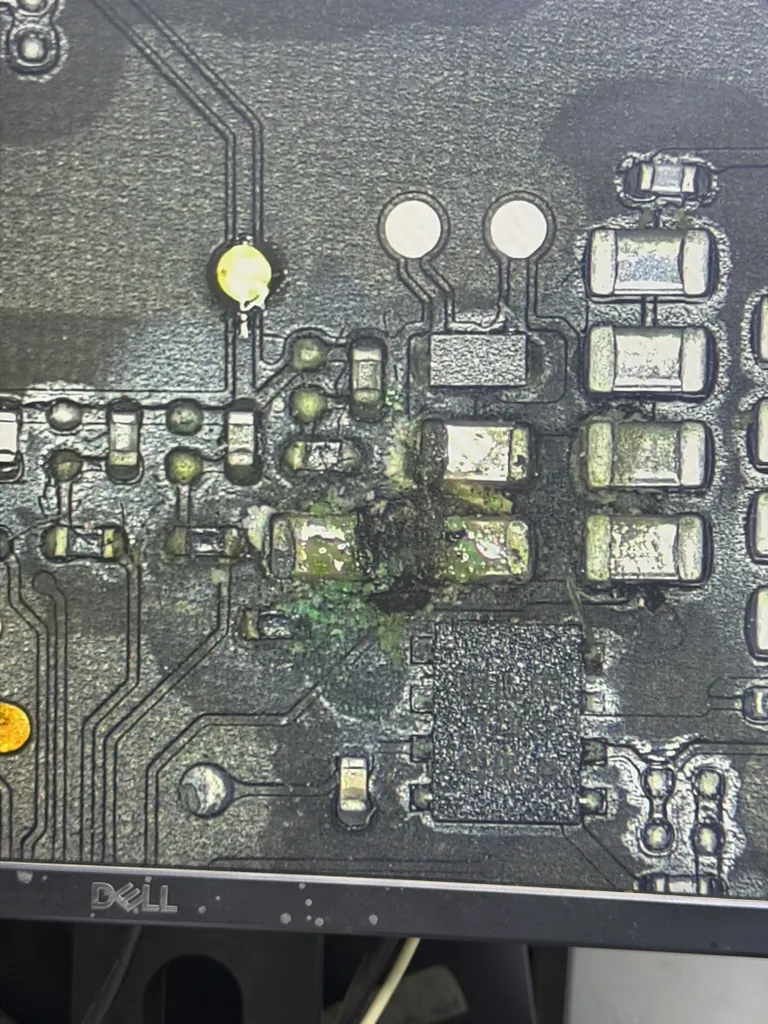
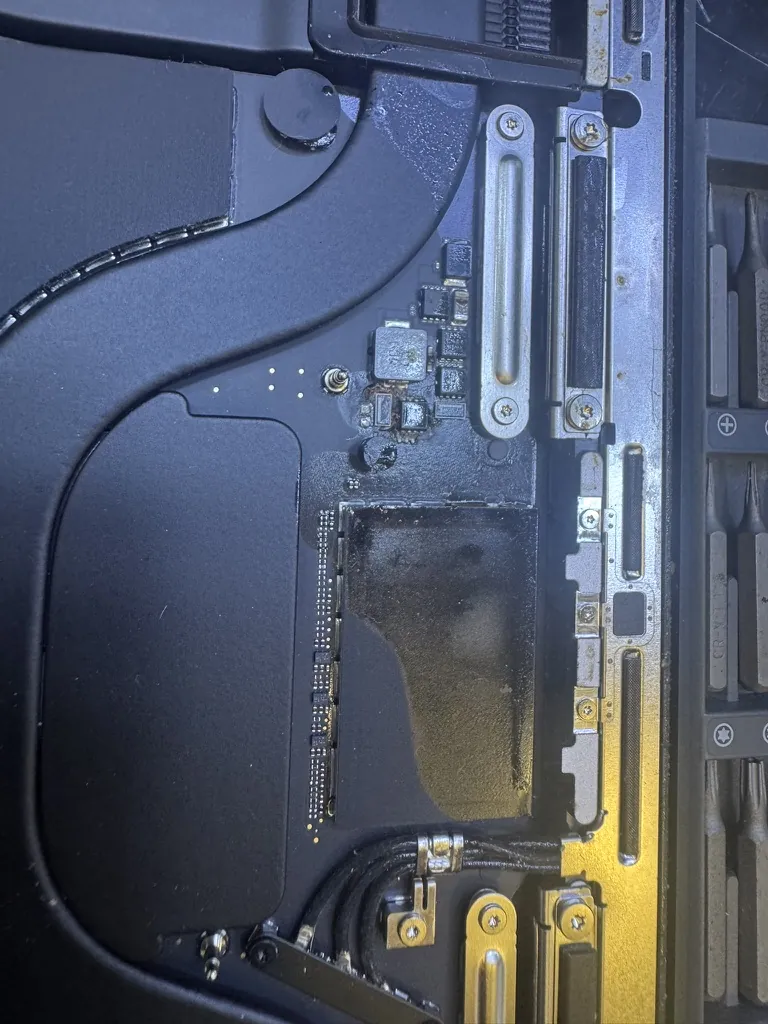
Water, tea, juice or coffee reaches the logic board through the keyboard. On M-series MacBook Air and MacBook Pro the processor, memory and storage all sit on that board, so corrosion left untreated can take your data with it. We open the machine, clean the board ultrasonically and repair corroded components under the microscope — the same process for Intel MacBooks. Note that Apple's hardware warranty does not cover liquid damage, so independent board-level repair is usually the most affordable option.
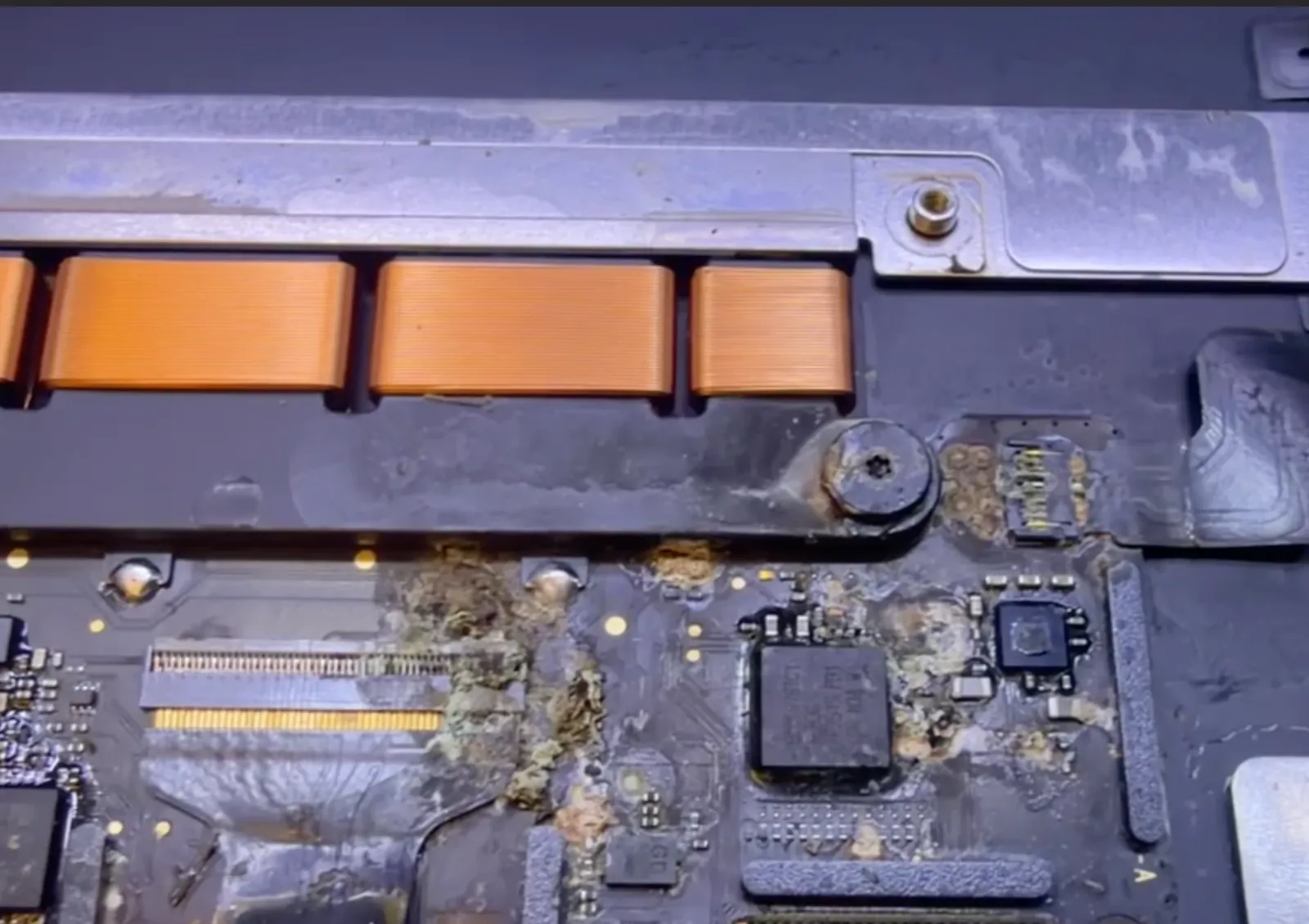
What a spill does inside a MacBook
Liquid leaves minerals and sugars on the board. Once power flows they cause corrosion between tiny components, which can short a power rail, damage the charging circuit or the keyboard and trackpad connectors. The faster the Mac is switched off and opened, the more can be saved.
Keyboard and top-case liquid damage
A spill often hits the keyboard first — sticky keys, keys that stop working or a failed backlight. Depending on the damage we clean, repair or replace the keyboard.