Handy MacBook tools and tricks that help — and when you should stop and visit a specialist for MacBook repair Karachi.
Safe checks anyone can do
- SMC / power reset basics for no-power (model-specific)
- Battery health in System Settings → Battery
- Back up before any repair
- After a spill: power off, do not charge, do not dry with heat
Do not DIY these
- Swollen battery (fire risk)
- Cracked Retina / Liquid Retina panels
- Liquid damage on the logic board
- FlexGate cable work without the right panel
When to walk in
macos.pk is an independent Macintosh repair laboratory at Shop GD-07, Techno City Mall. Apple Silicon M-series and Intel. Free diagnosis before approved work.
Call / WhatsApp 0331-3230055 · MacBook repair Karachi services · MacBook liquid damage repair
Built-in MacBook tools that diagnose problems safely
- Battery Health: System Settings → Battery shows "Normal" or "Service Recommended".
- Cycle count: System Information → Power — see Apple's guide to battery cycle count.
- Apple Diagnostics: on Apple Silicon, hold the power button until the startup options appear, then press Command-D. It reports hardware faults with reference codes.
- Safe Mode: from the startup options, select the startup disk, hold Shift and choose Continue in Safe Mode. If the problem disappears, it is likely software.
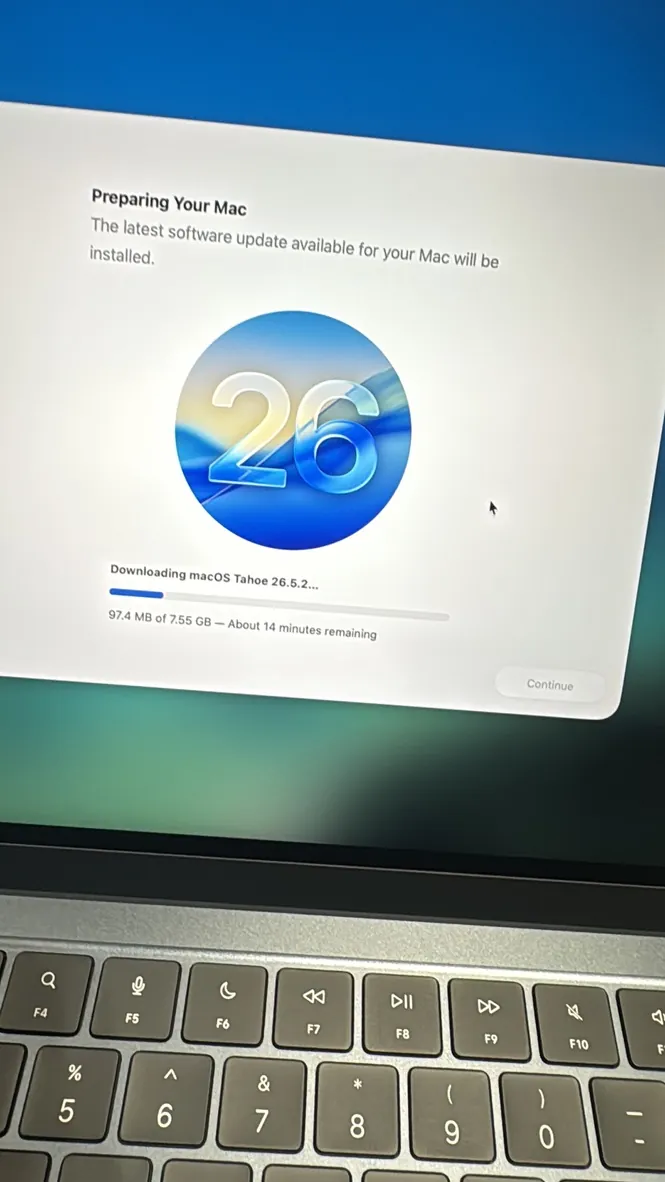
- macOS Recovery: repair the disk or reinstall macOS — Apple explains how to start up from macOS Recovery.
- SMC reset: on Intel MacBooks, Apple's SMC reset steps fix many power and fan issues.
- Activity Monitor: find apps that keep the CPU busy and the fans loud.
- Disk Utility First Aid: checks the startup disk for errors.
MacBook tools you should leave to a lab
Quick tricks that solve common problems
- Mac running hot or slow: open Activity Monitor, sort by CPU and quit the app at the top. Browser tabs and sync tools are frequent culprits.
- Storage almost full: Apple menu → System Settings → General → Storage shows what is using space and offers to clear it. A nearly full SSD slows the whole Mac.
- Wi-Fi or Bluetooth acting up: turn it off and on, then restart — and check for a macOS update.
- An app won't quit: press Option-Command-Esc to Force Quit.
- Before any repair: make a Time Machine backup if the Mac still starts.
If these checks don't solve it, write down what you tried — it saves time at diagnosis.
One more rule: if a check needs you to remove screws, stop there. Opening the case without disconnecting the battery is how many small faults become board repairs. Diagnosis at our lab is free, so there is no reason to take that risk yourself.
Pentalobe and Torx drivers, heat guns and soldering irons are where DIY repairs go wrong. Swollen batteries, liquid-damaged boards and display removal need proper tools and experience — a slip can short the board or crack the screen. Bring those jobs to us: see logic board repair, liquid damage or request a free estimate.
Related service: Not Turning On & Logic Board
General guidance only. Every MacBook is different — diagnosis, parts availability and price are confirmed after inspection. Get a free estimate.