Looking for MacBook battery replacement Karachi? At macos.pk, we provide both repair and replacement services for all MacBook models.
Comprehensive MacBook Battery Repair & Replacement Services
Common MacBook Battery Problems We Fix
From warning alerts to severe battery damage, we handle all common MacBook battery issues with expert diagnostics, precision repairs, and high-quality replacements to restore your laptop’s performance and safety.
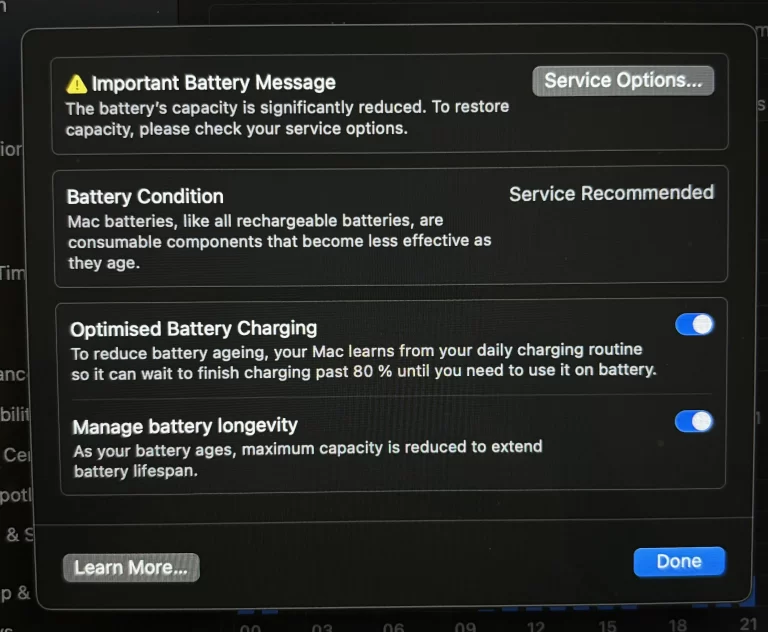
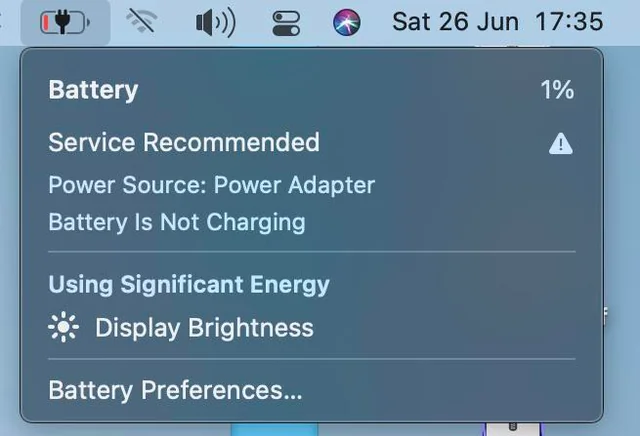
Service Battery Warning
macOS shows messages like “Service Battery” or “Replace Soon” when the health drops below optimal.
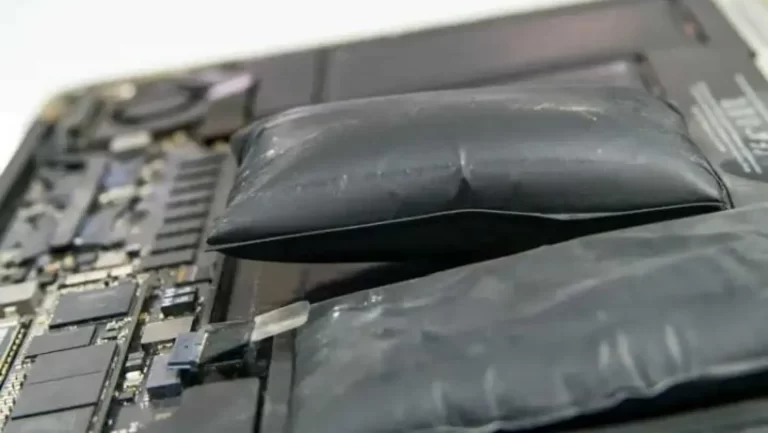
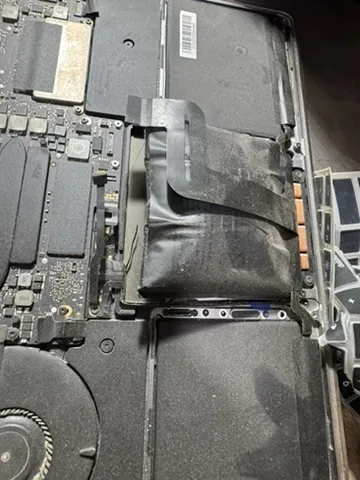
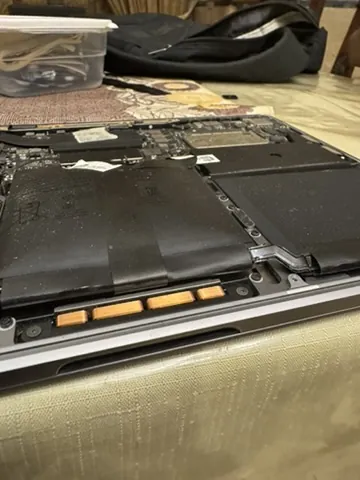
Battery Swelling (Bulging)
Physical bulge lifting the trackpad or causing the lid to misalign.
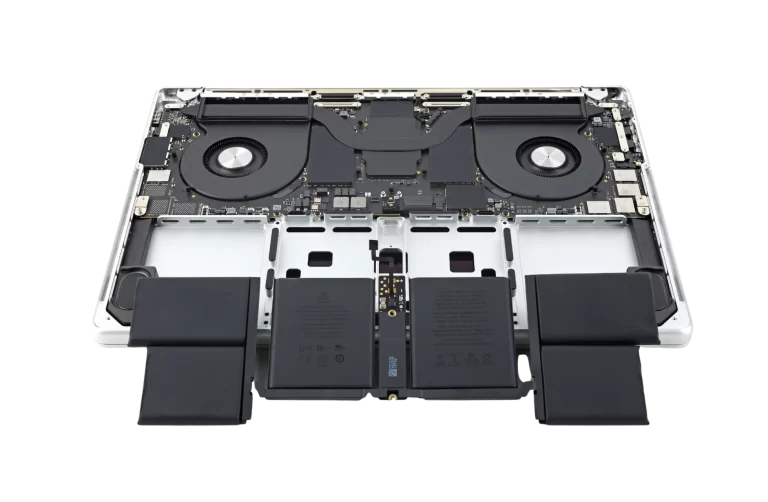
OEM-Standard Battery Replacement
We replace faulty or damaged batteries with high-quality, OEM-standard units for optimal performance and safety.
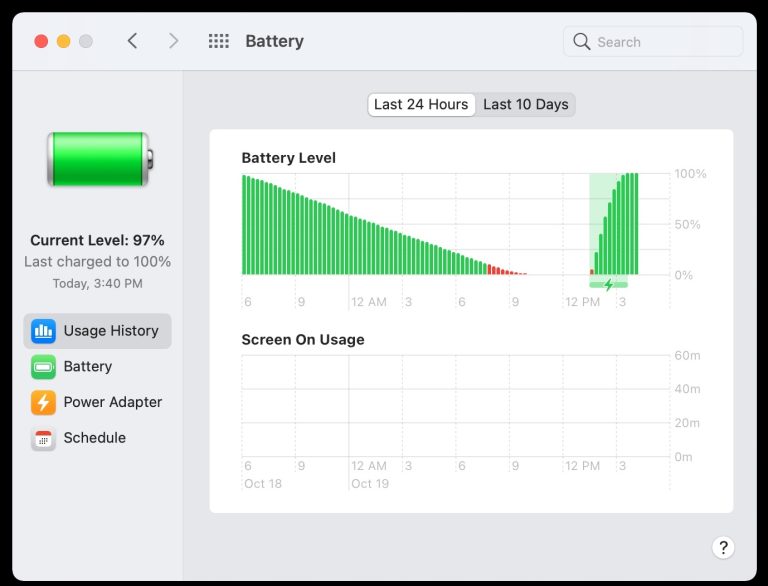
Rapid Battery Drain
Battery depletes quickly even after a full charge.
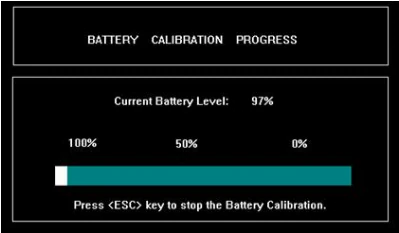
Battery Calibration Issues
Battery percentage jumps, freezes, or shows incorrect readings due to calibration faults.
Why Choose Our MacBook Battery Replacement Karachi Service?
Our MacBook battery replacement Karachi service covers swelling, deep discharge, service battery errors and charging issues.
Premium Quality Batteries
Grade-A lithium-polymer cells for maximum lifespan.
Apple-Standard Installation
Using the proper tools and calibration process.
Fair & Transparent Pricing
Cheaper than Apple’s official service, with the same quality.
Fast Turnaround
Same-day replacement available for most models.
Warranty Included
6 to 12 months’ warranty on new batteries.
Safety First
We dispose of old batteries responsibly.
MacBook Battery Repair & Replacement Process
From simple calibration fixes to complete battery replacements, we handle it all with precision and care. Our expert team ensures your MacBook’s battery delivers maximum performance and safety. Fast, reliable service with OEM-standard quality every time.
Free Diagnosis & Health Report
We check battery cycles, health %, and identify swelling, charging, or calibration issues.
Model-Specific Parts & Tools
We use exact-match OEM-standard batteries or components designed for your MacBook model.
Installation, Testing & Calibration
New batteries installed, repaired batteries tested for full cycles, and software calibrated for accurate readings.
Repair or Replacement Decision
Minor issues (calibration faults, connector damage) are repaired; faulty cells or swollen batteries are replaced.
Safe Disassembly & Professional Repair
Careful opening without damaging the casing, keyboard, or trackpad.
Delivery / Pickup Option
Convenient city-wide pickup and drop service available.
Real MacBook Battery Failure Cases
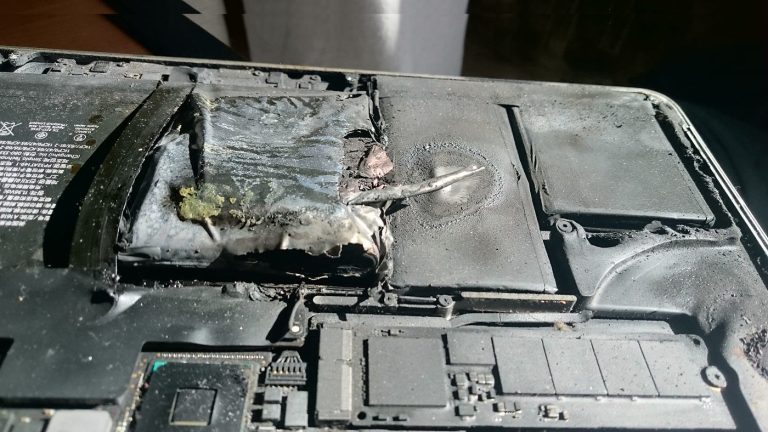
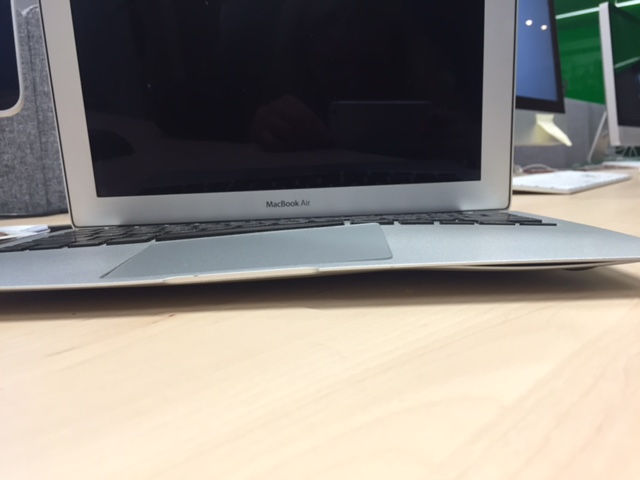
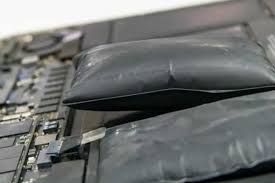
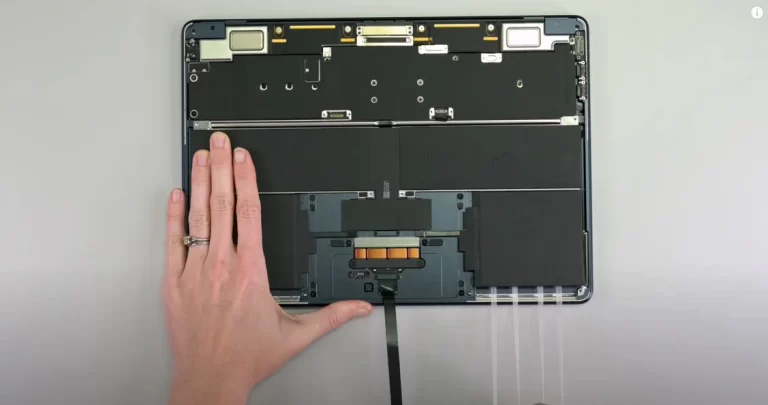
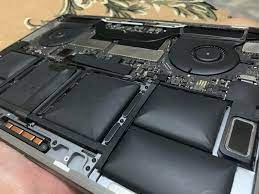
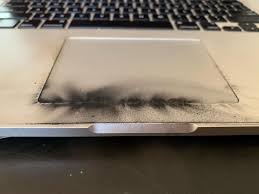
Our experienced technicians serve both MacBook Air and Pro models. Whether your battery won’t charge, drains quickly after a full charge, or your Mac shows a service battery warning — we diagnose the root cause and offer long-lasting solutions. Karachi clients trust us for fast, affordable, and efficient battery care across Pakistan.
Can you diagnose it while I wait?
This is not possible in every case. Some faults are tricky, and one symptom can have many different causes. If your device has had a liquid spill, you will most likely have to leave it for a few hours to a day – it’s not always possible to give you a precise repair price while you wait.
In most cases, if you’re happy to wait, we’ll open the machine and tell you what’s wrong right then and there. Our shop isn’t run on the idea that your machine gets tossed into a queue and looked at when we feel like it. When we get work, we get to it right away.
"Service Recommended" — what it means
On Apple Silicon and Intel MacBooks, macOS shows Service Recommended in System Settings → Battery → Battery Health when the battery can no longer hold its original charge. The Mac keeps working, but you'll see shorter battery life and sudden shutdowns. Bring it in and we'll check the health percentage and cycle count for free, then replace the battery if it needs it. You can check the cycle count yourself using Apple's guide to battery cycle count.
Swollen batteries — stop charging
A swollen battery lifts the trackpad, bends the case and can press on the screen when the lid closes. Lithium cells that swell are a safety risk, so stop charging the MacBook and bring it in.
MacBook battery replacement — how do I know I need it?
A Service Recommended warning, a swollen battery lifting the trackpad, shutting down early, or not holding a charge.
Do you replace batteries on M-series MacBooks?
Yes — MacBook Air and MacBook Pro from M1 to the latest M-series, as well as Intel models.