


m
Understanding MacBook Battery Issues: Common Problems and Solutions
MacBook users often rely on their devices for both personal and professional tasks, making battery performance a critical aspect of the overall experience. However, like any technology, MacBook batteries can face issues over time. This blog post will explore common MacBook battery problems, their causes, and practical solutions to enhance your device's longevity and performance.
Common MacBook Battery Issues
- Rapid Battery Drain
One of the most prevalent issues users face is rapid battery drain. If your MacBook's battery seems to deplete faster than usual, several factors could be at play:- Background Applications: Applications running in the background can consume significant power. Check Activity Monitor to identify resource-hungry apps and close them if not needed.
- High Screen Brightness: Keeping your screen brightness at maximum can quickly drain the battery. Adjusting it to a comfortable level can help conserve energy.
- Bluetooth and Wi-Fi: Leaving Bluetooth and Wi-Fi on when not in use can also lead to faster battery depletion. Turn them off to save power.
- Battery Not Charging
If your MacBook battery isn’t charging, it can be frustrating. Possible reasons include:- Faulty Charger or Cable: Inspect your charging cable and adapter for damage. Try using a different charger to see if the issue persists.
- Software Issues: Sometimes, a macOS glitch can prevent charging. Restarting your MacBook or resetting the SMC (System Management Controller) can resolve this issue.
- Battery Health: Over time, batteries lose their ability to hold a charge. Check your battery health by going to “About This Mac” > “System Report” > “Power.”
- Battery Swelling
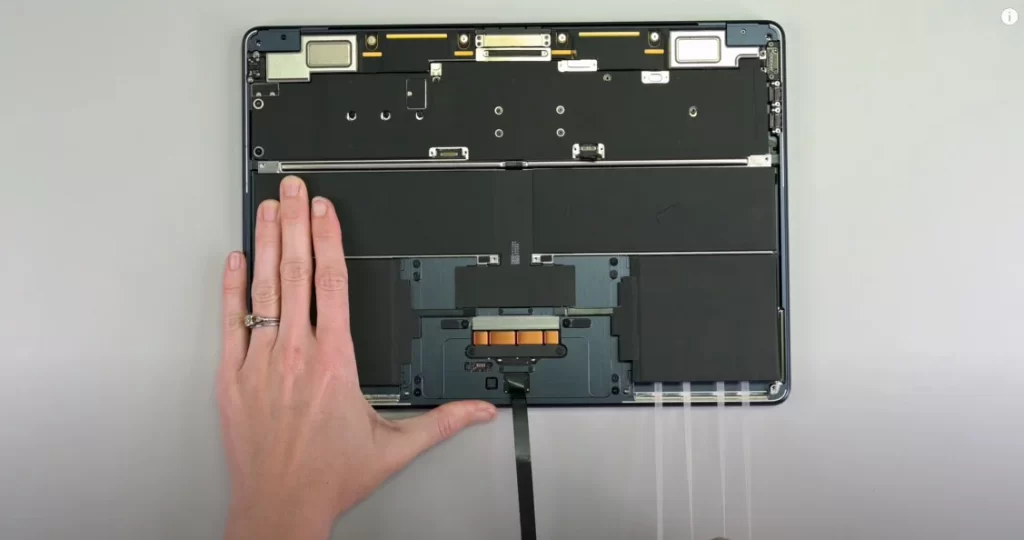
A swollen battery is a serious issue that requires immediate attention. Signs of swelling include a bulging case or difficulty closing your MacBook. If you notice this, stop using the device and seek professional help for battery replacement. - Inaccurate Battery Percentage
Occasionally, the battery percentage may not reflect the actual charge level, leading to unexpected shutdowns. This problem can occur due to:- Calibration Issues: Calibrating your battery by fully charging it, then allowing it to drain completely, can help reset the battery percentage readings.
- Software Bugs: Updating to the latest macOS version can resolve any bugs affecting battery readings.
Tips for Maintaining Your MacBook Battery
- Regular Software Updates: Keeping your macOS up to date ensures you benefit from the latest optimizations and fixes that can enhance battery performance.
- Energy Saver Settings: Utilize the Energy Saver preferences to adjust settings that optimize battery life, such as enabling "Put hard disks to sleep" and "Slightly dim the display while on battery power."
- Temperature Management: Avoid exposing your MacBook to extreme temperatures. Ideal operating temperatures range from 50° to 95° F (10° to 35° C).
- Battery Cycle Count: Familiarize yourself with the battery cycle count. Apple batteries are designed to retain up to 80% of their original capacity at 1000 cycles. Monitor your cycle count and consider a replacement if it exceeds this threshold.
Conclusion
Understanding and addressing MacBook battery issues can significantly improve your device's performance and lifespan. By being aware of common problems and implementing preventive measures, you can ensure your MacBook serves you well for years to come. If issues persist despite troubleshooting, consider visiting an Apple Authorized Service Provider for professional assistance.